Private Photo Sharing Apps for Couples: What "Private" Really Means
A private photo sharing app for couples should do two things: show your photos to the two of you and no one else, and keep them safe from anyone who has no business seeing them, including the company that stores them. Most shared photo album apps do the first. Far fewer do the second.
This guide explains what "private" means for a shared photo album, how to check an app's claims, how to share an album when one of you has an iPhone and the other has Android, and compares five options: COUPPLY, Google Photos, iCloud Shared Albums, Between, and FamilyAlbum. What we say about other apps comes from their official help pages and store listings, checked on October 30, 2026.
Disclosure: COUPPLY is made by us. We list it first, and we tell you where the other apps do better.
Key takeaways
- "Private" can mean three different things: who can see the album, whether a link can leak it, and whether the service itself can open your photos.
- Only end-to-end encryption stops the service from seeing your photos. Look for the words "end-to-end," not just "encrypted" or "secure."
- Apple says iCloud Shared Albums don't support Advanced Data Protection, so they aren't end-to-end encrypted.
- If one of you has an iPhone and the other has Android, pick an app that runs fully on both. Since iOS 27, Android users can join an iCloud shared album on the web, but they can't use the Photos app.
- COUPPLY Memories is end-to-end encrypted, keeps original quality by default, and gives the two of you 3 GB free, with a journal and a map of places.
What "private" really means for a shared photo album
Almost every photo app calls itself private. Before you compare apps, it helps to split that word into the questions that actually matter.
Who can see the album?
Every app in this guide limits the album to people you invite. The difference: some apps are built for exactly two people, so a third person can't be added by mistake, while family photo apps are designed to bring in parents and relatives.
Can a link leak it?
Many shared albums can be shared by link. That's convenient, but a link works like a key that can be copied. Google Photos Help says that anyone who has the shared link will be able to view the album. If a link is forwarded or pasted somewhere public, the album goes with it. An app with no link sharing at all removes this risk.
Can the service open your photos?
This is the part most "private" claims skip. Nearly every service encrypts data on its way to the server and on the server's disks. That protects you from outsiders, but the company still holds the keys, so its systems can open your photos when needed.
End-to-end encryption, explained simply
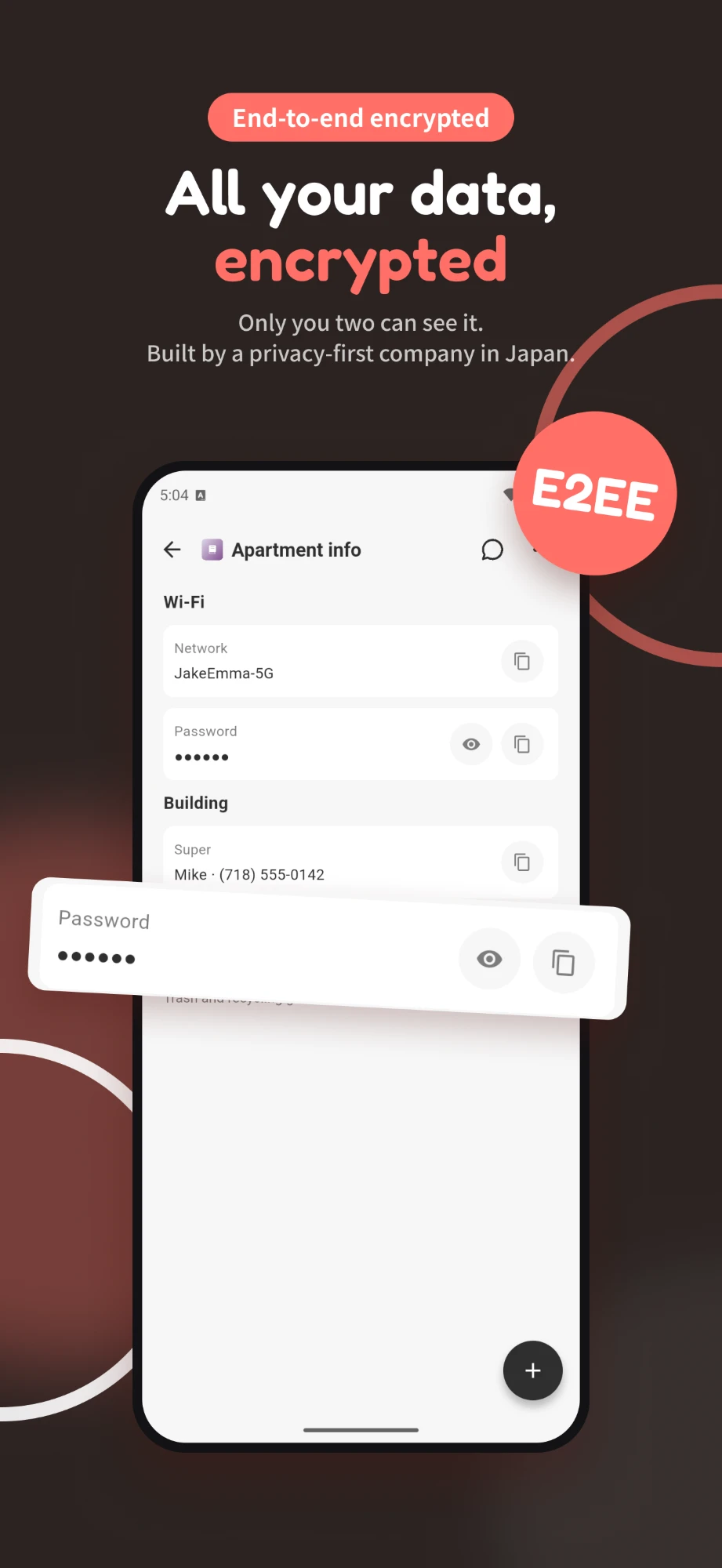
With end-to-end encryption (E2EE), your photos are locked on your phone before they're uploaded, and only your devices hold the key. The server stores locked files it can't open. Not the company, not a hacker who breaks into the server, not anyone else. The trade-off is that if you lose the key, no one can recover your photos for you. For a couple's album full of personal moments, E2EE is the strongest meaning of "private."
Resolution and compression
Some shared albums shrink your photos to save space. You won't notice on a phone, but you will when you print one. Check whether the app keeps the original file.
Storage limits
A couple's album grows to thousands of photos within a few years. Check the free storage, how much more you can buy, and what happens if you stop paying.
How to check an app's privacy in 5 minutes
You don't need to be technical to check an app. Here's what to look for.
- Search the help pages and privacy policy for "end-to-end." If it isn't there, assume the service can access your photos. "Encrypted," "secure" and "safe" alone don't tell you who holds the keys.
- Check what the encryption covers. Some apps encrypt messages end to end but not photos, or only some features. Look for a statement that names photos and videos.
- Read the store's privacy details. The App Store privacy label and Google Play's Data safety section show what the app collects. "Encrypted in transit" there is not end-to-end encryption.
- Check what happens if you forget your password. With true E2EE, the company usually can't recover your data if you forget your key or PIN. If it promises it always can, it likely holds a key.
- Check sharing options. Can albums be shared by link, and can you turn that off?
Sharing a photo album between iPhone and Android
This is one of the most common questions couples have, because Apple's built-in options are easy only if you both have iPhones. Your choices, from simplest to most private:
- iCloud Shared Albums on the web: Apple says that in shared albums created or upgraded on iOS 27, people without an Apple device can join and add photos in a web browser. Your partner gets a browser page, not an app, and the album still isn't end-to-end encrypted.
- Google Photos: the app runs on both iPhone and Android, and partner sharing sends photos to one other Google Account automatically.
- A couples app that runs on both: apps like COUPPLY and Between give both of you the same full app, whichever phone you use.
Whatever you choose, check that photos keep their original quality. Sending photos one by one through a messaging app often compresses them.
5 private photo sharing apps for couples
1. COUPPLY Memories
COUPPLY is an all-in-one app for couples, and Memories is its shared photo album with a journal. Because the whole app is a space for exactly the two of you, there are no albums to share or people to invite: anything one of you uploads, the other can see right away. There's no link sharing, so there's nothing to leak.
Photos, videos, and files in Memories are end-to-end encrypted with a key created from your PIN code. The COUPPLY team can't see your photos. If you use AI features elsewhere in the app, the content is decrypted on your device and sent to the AI provider, and it isn't used to train AI models.
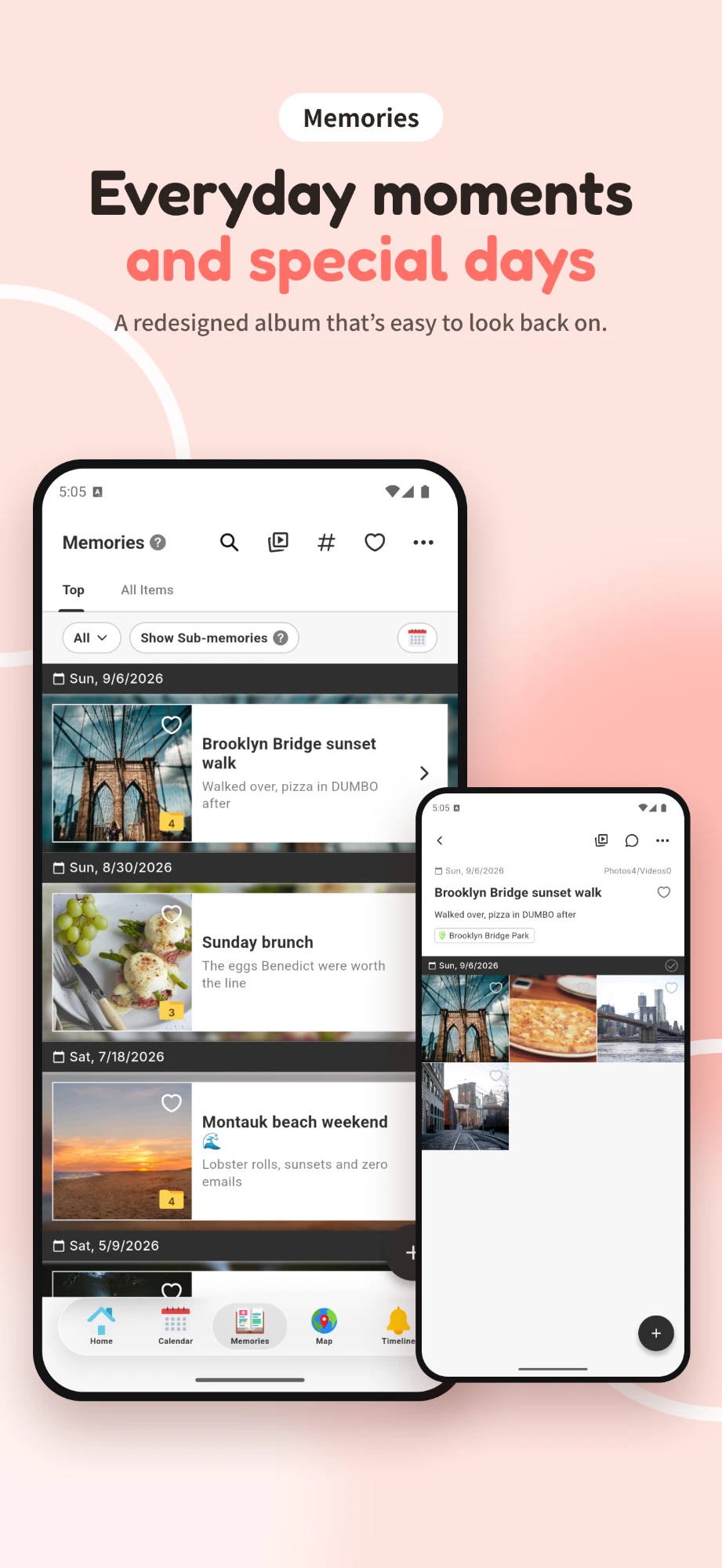
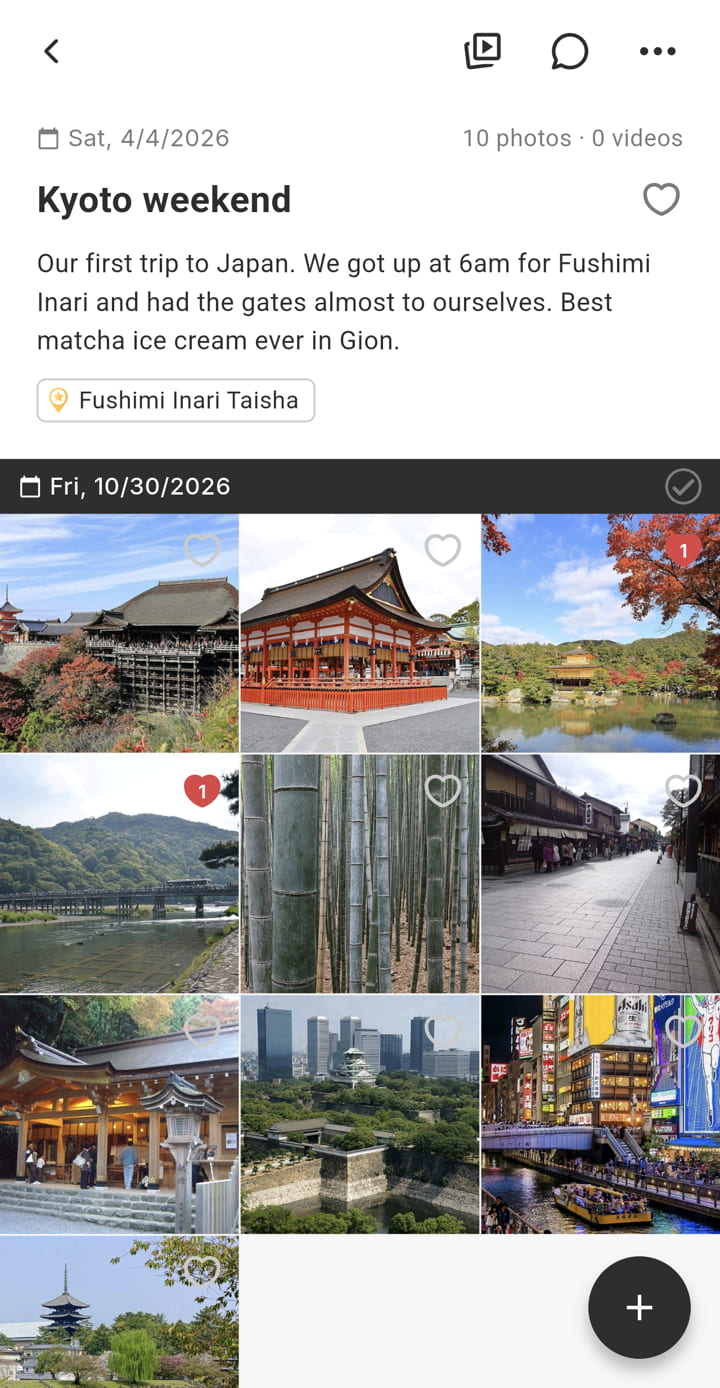
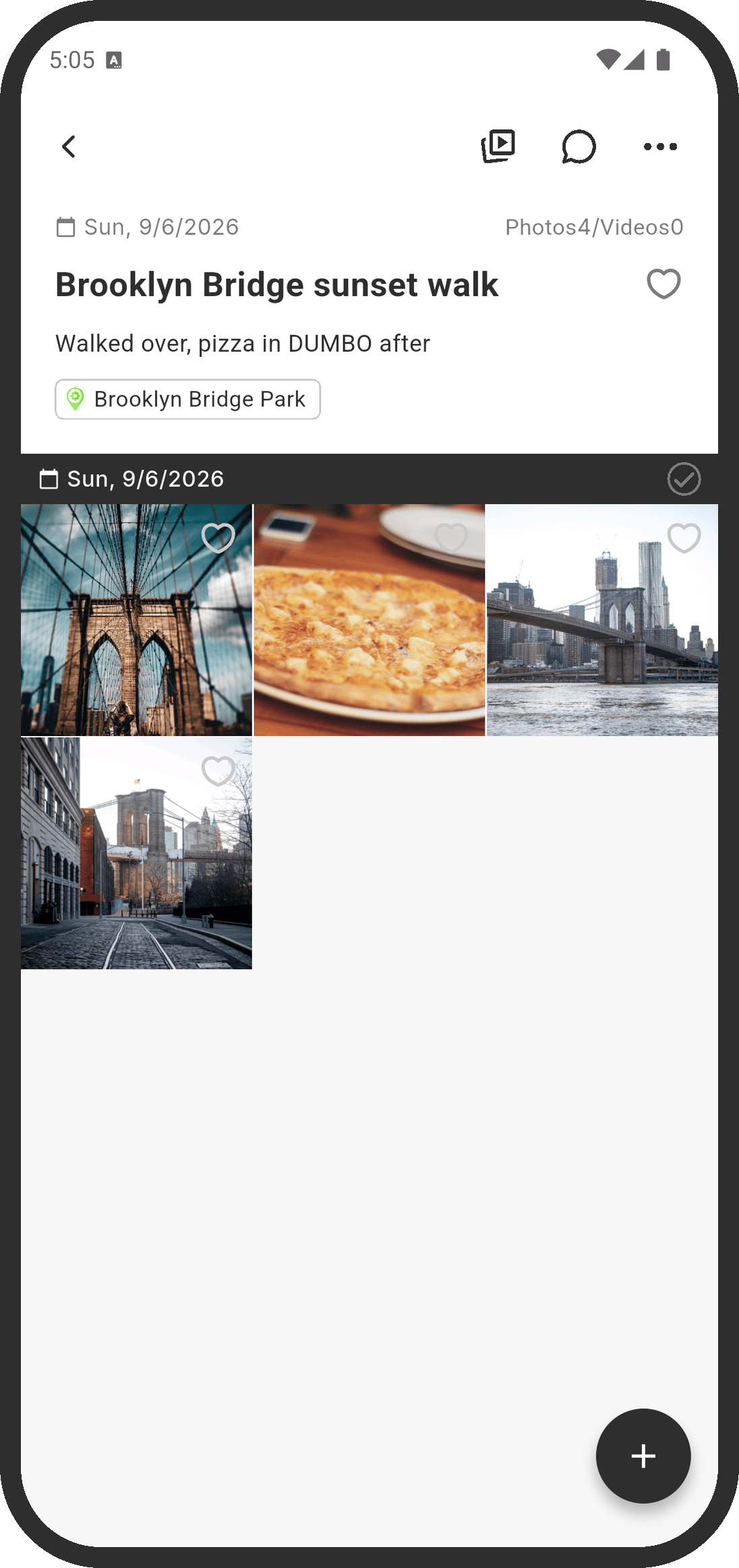
Memories is also more than an album. A "memory" works like a folder where you write about what happened and gather photos and videos, and you can split a long trip into sub-memories like "Day 1" and "Day 2." Add notes and hashtags to photos, link a memory to an anniversary, and see memories on the shared calendar. Photos with location info show up as pins on Our Map, so you can look back by place.
By default, photos and videos are saved at original quality without compression. If you'd rather save space, you can pick a compression level in Upload Settings.
Things to know: the free plan has 3 GB shared by the two of you and a daily upload limit of 50 MB, which makes long, high-quality videos slow to add. COUPPLY PRO removes the daily limit and offers 100 GB, 500 GB, 1 TB, or 2 TB, and only one of you needs to subscribe. Also, because the key comes from your PIN code, no one can recover your data if you forget it.
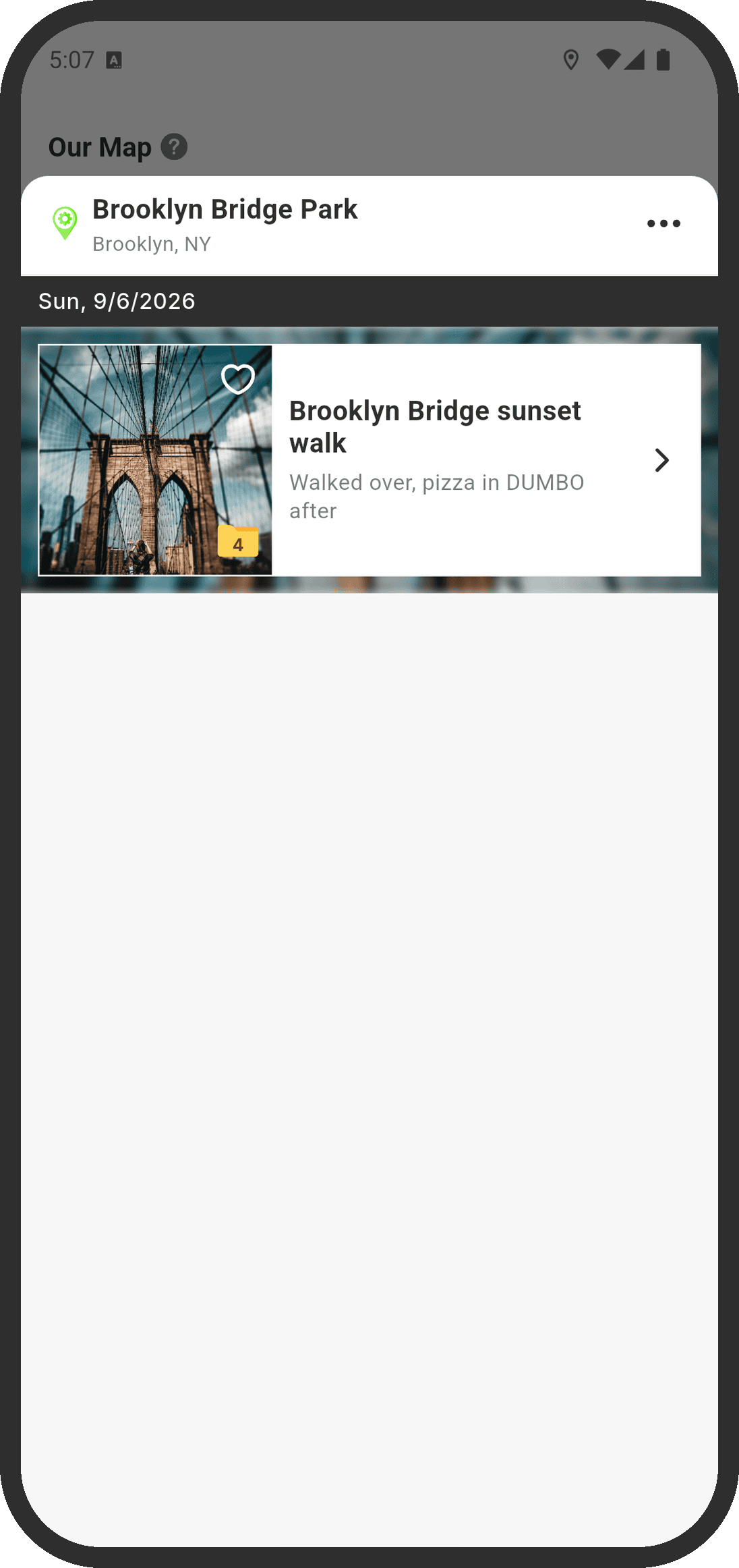
| Platforms | iPhone, Android |
|---|---|
| Price | Free; optional COUPPLY PRO subscription (one partner subscribes, both get it) |
| Free storage | 3 GB shared by the two of you |
| Best for | Couples who want an encrypted album with a journal, in the same app as their calendar and chat |
2. Google Photos
Google Photos is a photo backup service with sharing built in, and it works on both iPhone and Android. For couples, the most useful feature is partner sharing: you can automatically share photos with one other person, either everything from a date you choose or only photos of the people you select. Your partner gets photos as soon as they're backed up. You can also create shared albums.
Two privacy points to keep in mind. First, a shared album link can be opened by anyone who has it. Second, Google Photos Help doesn't describe end-to-end encryption for your library, so it's private from other people, not from the service. Every Google Account comes with 15 GB of storage, shared with Gmail and Google Drive. You can back up in Original quality, or choose Storage saver, which resizes photos over 16 MP and videos above 1080p.
| Platforms | iPhone, Android, web |
|---|---|
| Price | Free; more storage with a paid Google plan |
| Best for | Couples who already back up to Google and want sharing to happen automatically |
3. iCloud Shared Albums (Apple Photos)
Shared Albums are built into the Photos app on iPhone, iPad, and Mac, so there's nothing to install if you both use Apple devices. You can add likes and comments, and both of you can contribute.
Apple changed Shared Albums in iOS 27. According to Apple, newly shared photos and videos in upgraded albums are kept at original resolution, and people without an Apple device can join and contribute on the web. Albums created on iOS 26 or earlier work the old way until the owner upgrades them: Apple's limits page says photos are reduced to 2048 pixels on the long edge and an album holds up to 5,000 photos and videos. New full-resolution albums count toward the owner's iCloud storage, including photos your partner adds. Albums are created on an Apple device or on iCloud.com.
On privacy, be careful with Apple's Advanced Data Protection. When you turn it on, your iCloud Photos library is end-to-end encrypted, but Apple states that Shared Albums don't support Advanced Data Protection. The iCloud Shared Photo Library is a different feature that is covered, as long as everyone in it has Advanced Data Protection turned on.
| Platforms | iPhone, iPad, Mac (others can join on the web in iOS 27 albums) |
|---|---|
| Price | Free; iCloud+ for more storage |
| Best for | Couples who both use Apple devices and want zero setup |
4. Between
Between is a long-running app made for couples, now run by DLT Partners Inc., available on iPhone and Android, plus a desktop version. It combines a private chat with a place to keep photos, videos, and notes, a shared calendar, and anniversary counters. Like COUPPLY, it's built for two people, so there's no album to share with anyone else.
Its App Store listing says all data is encrypted, but we couldn't find a statement on its official site or store listings that photos are end-to-end encrypted. The app is free with a paid Between Plus option that adds features such as themes, longer videos, and no ads for both partners.
| Platforms | iPhone, Android, Windows, Mac |
|---|---|
| Price | Free; Between Plus subscription available |
| Best for | Couples who mainly want a private chat with photos alongside it |
5. FamilyAlbum
FamilyAlbum is a free photo and video sharing app built for families, especially for sharing kids' photos with grandparents. Its official site says only the family members you invite can see your album, and that you can upload with no fees or storage limits. On the free plan, videos can be up to 2 minutes long and the app shows ads. Premium removes the ads, and its Family plans raise the video limit to 10 minutes and let you upload from a computer.
It's a strong pick for couples with children who want relatives to join in. As a private space for the two of you, it's less of a fit, since it's designed for a bigger circle. Its site describes the app as safe and secure but doesn't mention end-to-end encryption.
| Platforms | iPhone, Android |
|---|---|
| Price | Free with ads; Premium plans available |
| Best for | Parents sharing kids' photos with family |
Other couple photo apps you may see
Search the App Store and you'll also find newer, iPhone-only couple photo apps. Foxi describes itself on the App Store as an encrypted couple album with end-to-end encryption, Face ID lock, and disappearing photos. DuoLog is a private photo journal for two that, per its listing, keeps original quality. Neither has an Android version, so they only work if you both use iPhones, and both are new, so check their listings and reviews before you trust them with your library.
Comparison table
The encryption column only reflects what each company states in its official help pages or store listing.
| App | iPhone & Android | Shared album with partner | Journal or notes | Free storage | End-to-end encryption |
|---|---|---|---|---|---|
| COUPPLY | Yes | Yes, automatic (app for two) | Yes, journal, notes, hashtags, map | 3 GB shared | Yes |
| Google Photos | Yes | Yes, partner sharing and shared albums | Album text and comments | 15 GB per account (shared with Gmail and Drive) | Not stated |
| iCloud Shared Albums | Apple devices; web for others (iOS 27 albums) | Yes | Comments | 5 GB iCloud (older shared albums don't count; new items in upgraded albums count for the owner) | No (not covered by Advanced Data Protection) |
| Between | Yes | Yes (app for two) | Notes | Not stated | Says data is encrypted; E2EE not stated |
| FamilyAlbum | Yes | Yes (invite only) | Comments | Unlimited (free videos up to 2 min) | Not stated |
How we researched this
We started from the apps and services that come up most when you search for a private photo sharing app for couples or a shared photo album app, then read each one's official help pages, App Store listing, and Google Play listing on October 30, 2026, including when it was last updated. Encryption is the hardest thing to judge from the outside, so we only describe an app as end-to-end encrypted if the company says so in those words.
We didn't rank the apps by hands-on testing. Everything we say about other apps is what their developers state, and features change, so check the listing before you choose.
FAQ
Is Google Photos private enough for a couple's album?
It depends on what you mean by private. Partner sharing and shared albums only reach the people you invite, but anyone who gets a shared album link can view it, and Google Photos Help does not describe end-to-end encryption. If you want the service itself to be unable to see your photos, choose an app that clearly states it uses end-to-end encryption.
Are iCloud shared albums private?
Only people you invite can see a shared album, but it isn't end-to-end encrypted. Apple says Shared Albums don't support Advanced Data Protection, even if you turn it on. The iCloud Shared Photo Library is a different feature that is end-to-end encrypted when everyone in it has Advanced Data Protection turned on.
Can you share a photo album between iPhone and Android?
Yes. The simplest way is an app that runs on both, such as COUPPLY, Google Photos, Between, or FamilyAlbum. Apple says that in shared albums created or upgraded on iOS 27, people without an Apple device can join and add photos on the web, though they don't get the Photos app.
What does end-to-end encryption mean for a photo album?
Your photos are encrypted on your phone before they are uploaded, and only your devices hold the key to decrypt them. The company running the servers stores the files but cannot open them. The trade-off is that if you lose the key (for COUPPLY, your PIN code), no one can recover the photos for you.
Will our photos lose quality when we share them?
It depends on the app and its settings. COUPPLY saves photos and videos at original quality by default, and you can choose compression to save space. Google Photos lets you pick Original quality or Storage saver. iCloud shared albums created on iOS 26 or earlier reduce photos to 2048 pixels on the long edge; Apple says albums created or upgraded on iOS 27 share new photos at original resolution.
What happens to our COUPPLY photos if we cancel COUPPLY PRO?
Nothing is deleted. Files you already uploaded stay in Memories even if you are over the free 3 GB after canceling. While you are over the limit, viewing and downloading are restricted, and everything works again once you delete what you don't need or subscribe again.
Which one should you choose?
If you both use Apple devices and only want an easy way to swap photos, iCloud Shared Albums are already on your phones. If you live in Google Photos, partner sharing is hands-off. If you have kids and want grandparents involved, FamilyAlbum is built for that.
If "private" for you means that no one but the two of you can open your photos, not even the company that stores them, choose an app that says "end-to-end encryption" in plain words. COUPPLY Memories does, and it turns your photos into memories you can write about, search, and find again on a map, on iPhone and Android, for free.