


Post a status update
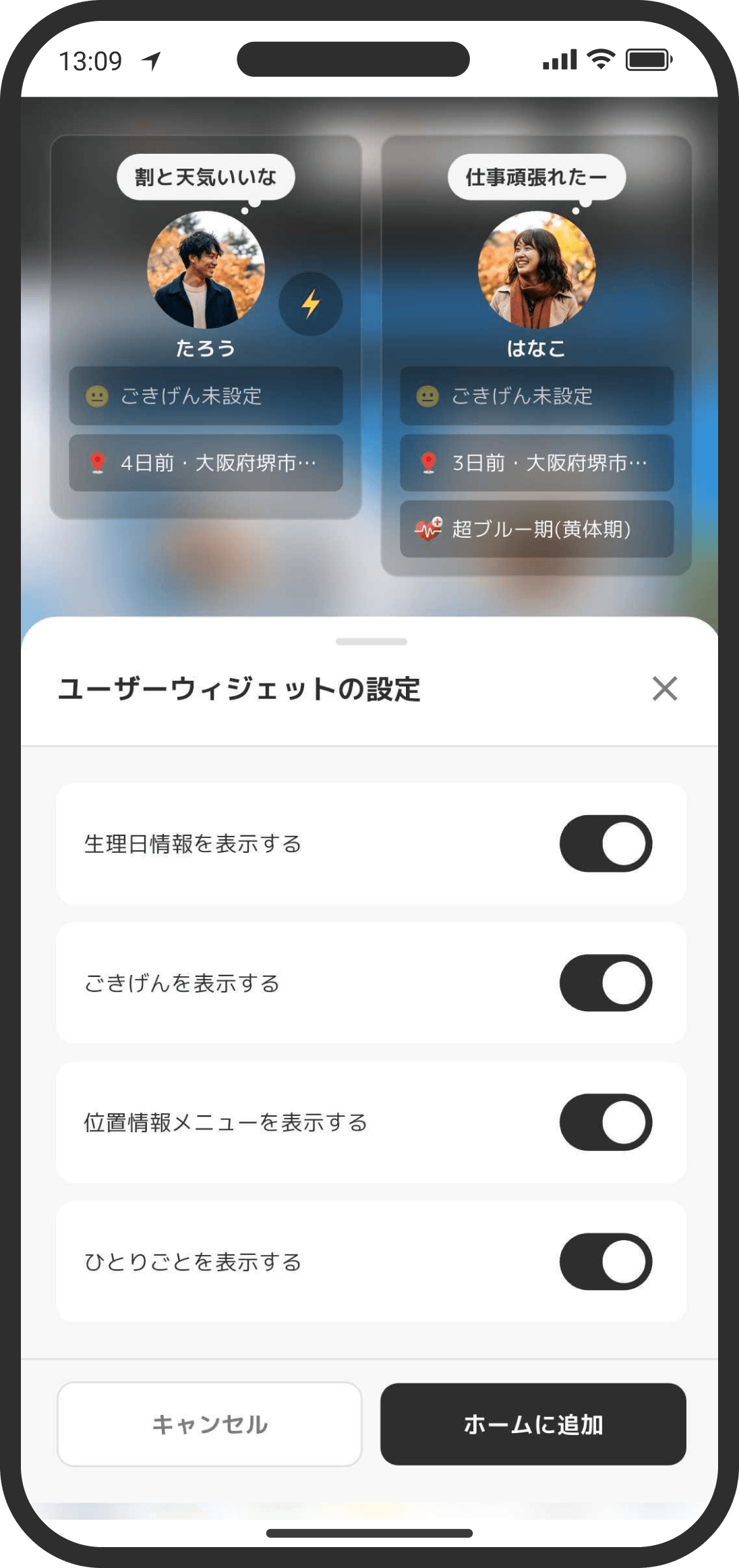
Posting what's on your mind or things like trouble at work as a status update helps your partner understand what's going on with you.
What is it?
Post status updates, a bit like having your own social feed. Your partner isn't notified of new posts and can't reply (they can only react).
How to use it
- Post from the "+" icon at the bottom right of your user page, which you open by tapping the user widget on the Home screen. You can also get to your user page from the Settings screen (tap the gear icon at the top right of the Home screen).
- If you close the screen before you finish writing, your text and the photos you picked are saved as a draft on your device.
- Tap the magnifying glass on your user page to search the text of your status updates. The search covers your 500 most recent posts. If you have older ones, "Searching the 500 most recent status updates" appears below the search box.
FAQ
Q. Is this a private diary just for me, or can my partner see it?
Your partner can see it too. It isn't a completely private note.
Q. Does my partner get notified when I post?
No push notification is sent. Instead, a red dot appears at the top right of the icon in your partner's "User" widget on their Home screen. When your partner opens your profile (user) page, the red dot goes away.
Q. Can I delete a post?
You can delete your own status updates. Long-press a post to bring up the delete menu. When you delete a post, the photos and videos attached to it are deleted too.