


Learn about personalities and values
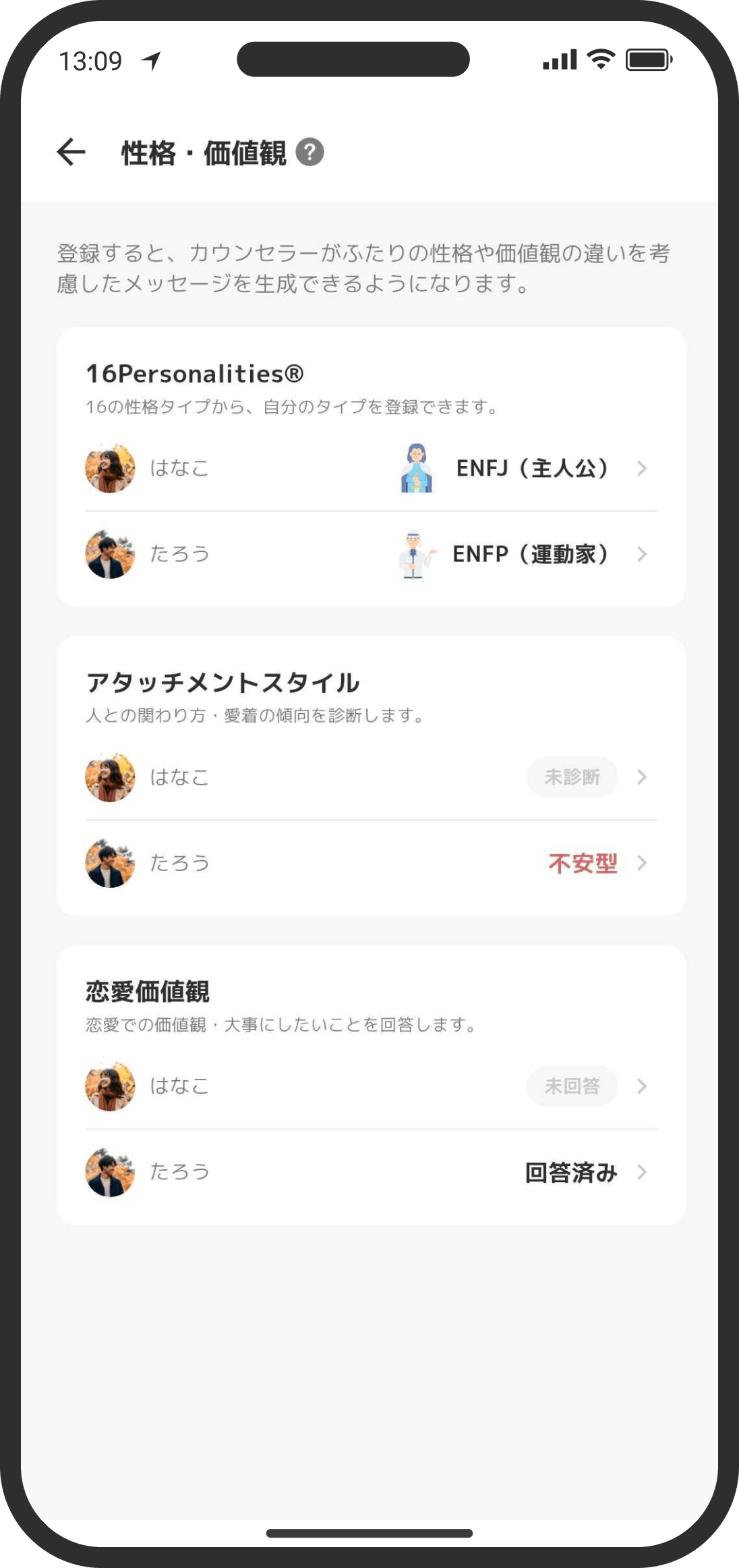
Your answers about personality and values aren't about what's "good" or "bad." They're for learning each other's tendencies so you can understand each other. We recommend that you both fill them in and, if you can, talk about your values together at least once.
What is it?
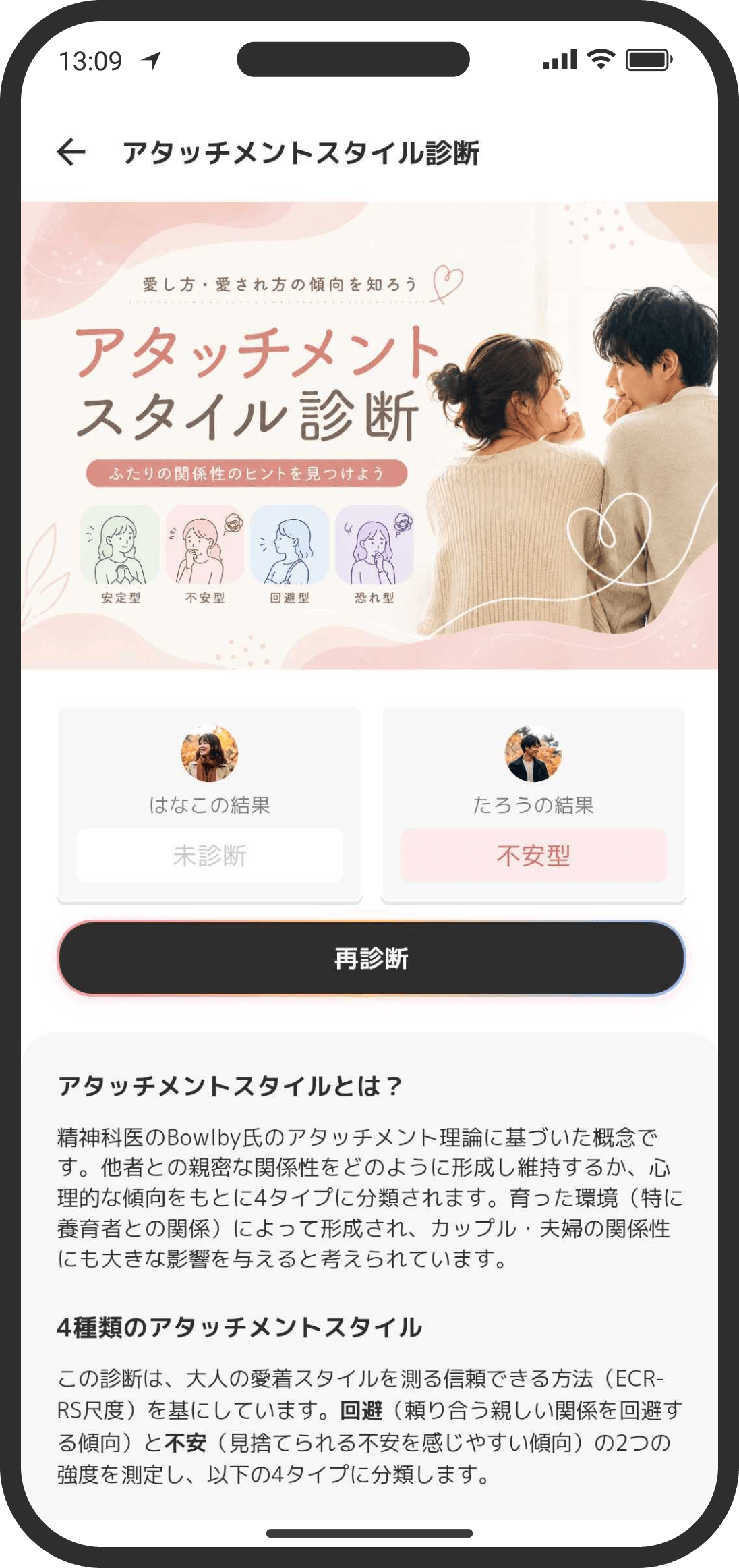
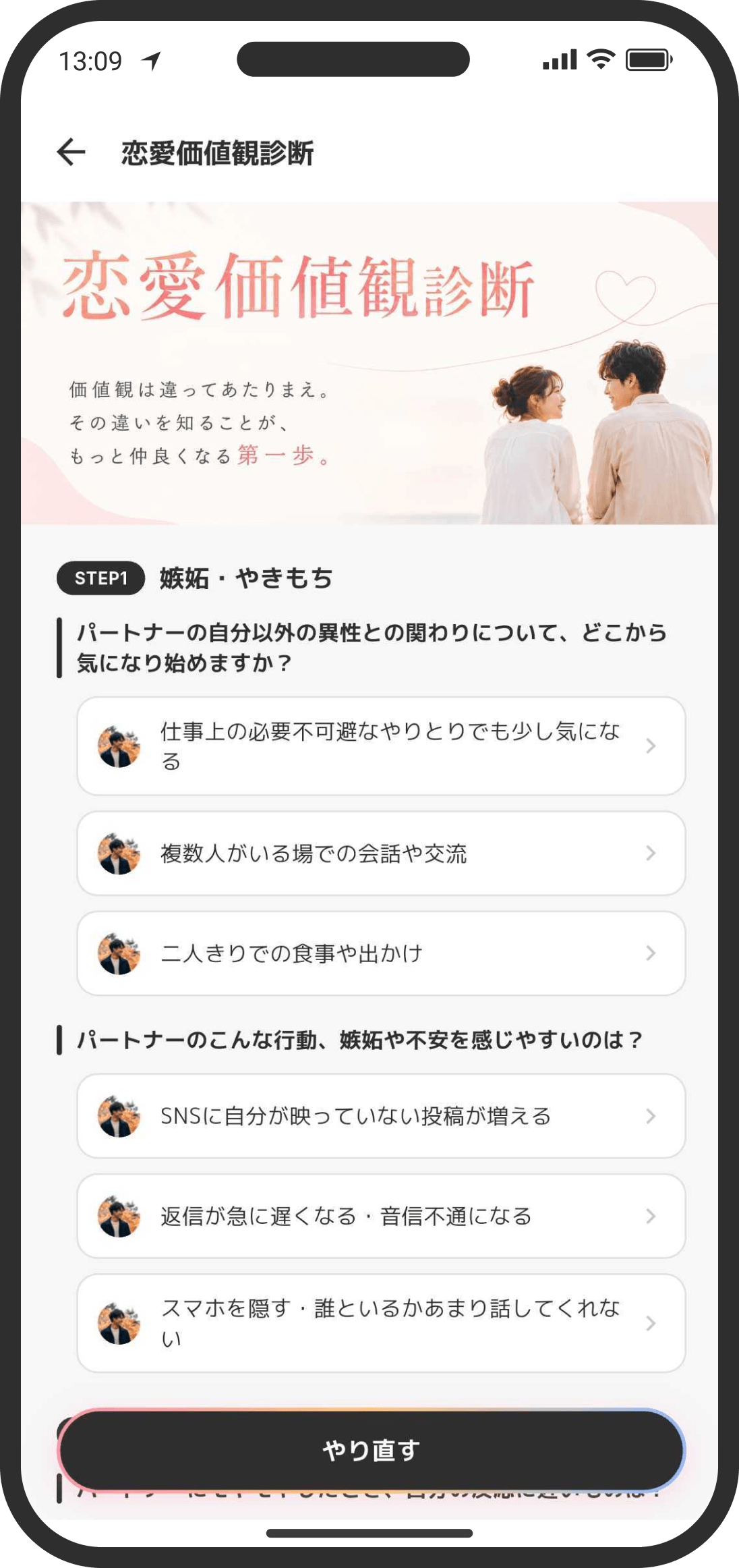
- You can enter or take three kinds of tests: personality type (16Personalities® / MBTI), attachment style, and the Love Values Test. The advice shown in the app changes, and the counselor gets a deeper understanding of your relationship.
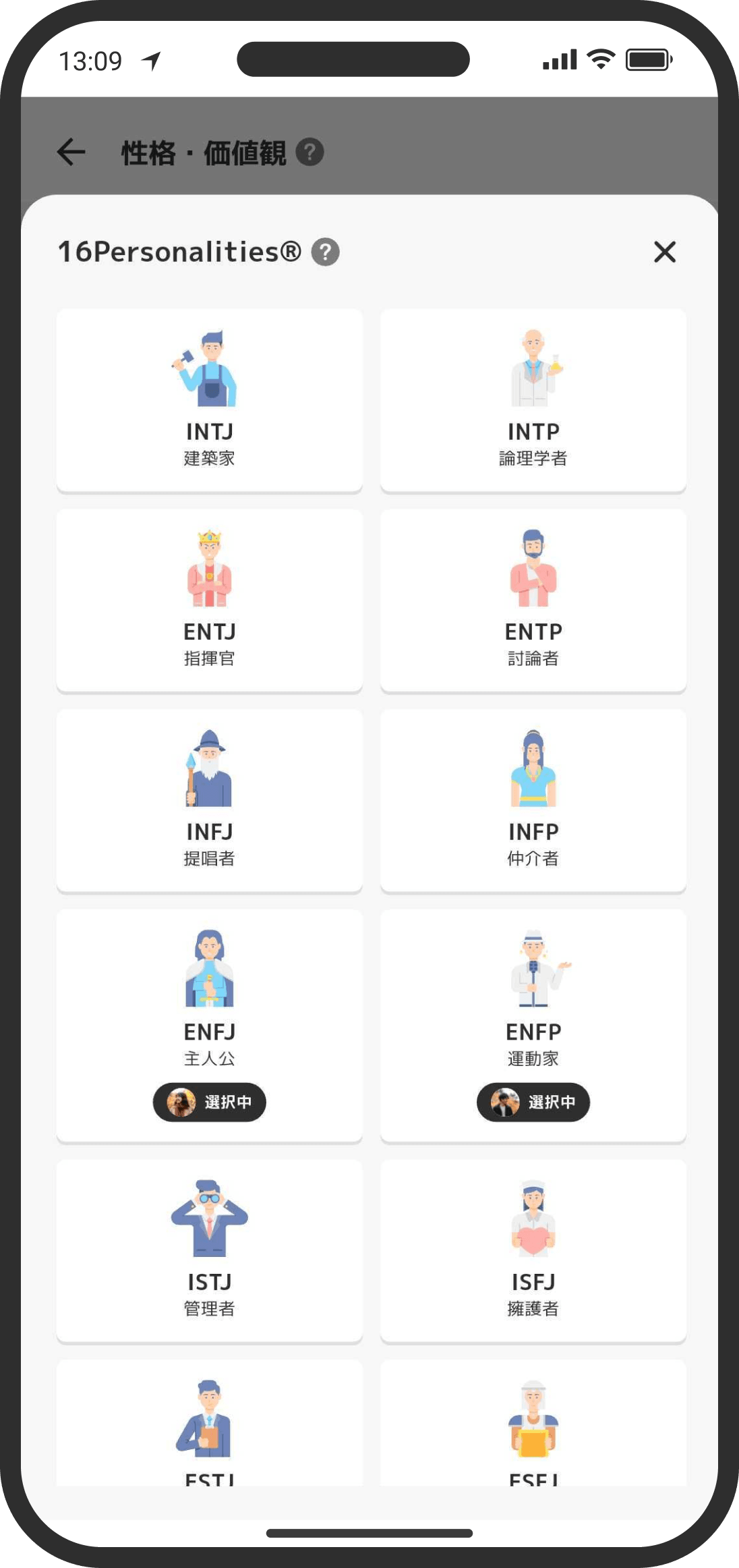
- "16Personalities®" doesn't have a test in the app. Instead, you pick your type from a list.
- When you open "Attachment style" and start answering, you answer 9 questions on a 7-point scale from "Strongly disagree" to "Strongly agree." When you finish, your type is shown along with your "Anxiety" and "Avoidance" levels (each from 0 to 100%).
- The "Love Values Test" is a simple Q&A with 14 questions. Your answers are also shown to your partner. Tap any answer to see how other users answered, so you can check whether your values are in the minority or the majority (this appears once enough answers have been collected, and only when the app's display language is Japanese). Being in the minority doesn't mean something is wrong or needs fixing. What matters is knowing which tendencies you and your partner lean toward on each item.
- The answer breakdown has one page per question. At the top, it shows the step title with a rough number of people who answered, and the question itself. Below that, under "What did everyone choose?", it lists how often each of the question's options was chosen. Each option is shown as a bar filled in proportion to how often it was chosen, with the icons of whoever chose it (you and your partner) on the left and the percentage on the right. Use the "Overall / Male / Female" switch at the top to choose who to show (male and female are percentages within each group, so you can compare them without being thrown off by differences in the number of people). When you switch, the options are reordered from highest to lowest percentage for that group. Tap an option you're curious about to open a chart of trends by age group and gender right there. You can open several options at once. The age chart only shows age groups with enough answers. Because you can choose more than one option per question, the percentages can add up to more than 100%.
How to use it
- View it from "Personality & values" on your user page, which you open by tapping the user widget on the Home screen. You can also get to your user page from the Settings screen (tap the gear icon at the top right of the Home screen).
FAQ
Q. Can my partner see my results?
Yes. Both of your results are shown. For the Love Values Test, even if you've only answered part of it, the answers you've given so far are shared.
Q. Can I redo them?
Yes. You can retake each test or change your answers.
Q. Will I be notified when my partner takes a test?
Adding or updating results is recorded in the timeline. No push notification is sent.
Q. Why don't I see how other users answered when I tap a Love Values Test answer?
The answer breakdown only appears when the app's display language is Japanese. The percentages are based only on answers from people using the app in Japanese, so answers given in other display languages aren't counted. You can still take the test and share your answers with your partner in any display language. To see the breakdown, choose Japanese in "Settings" → "Language."